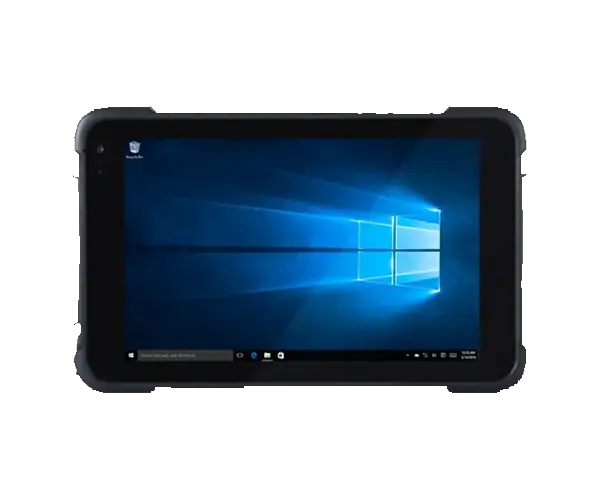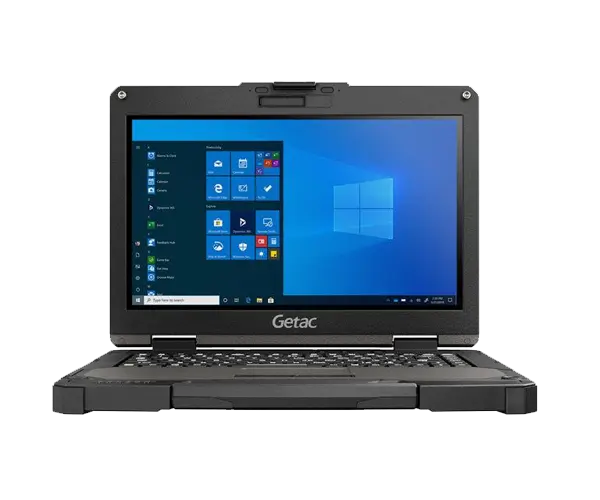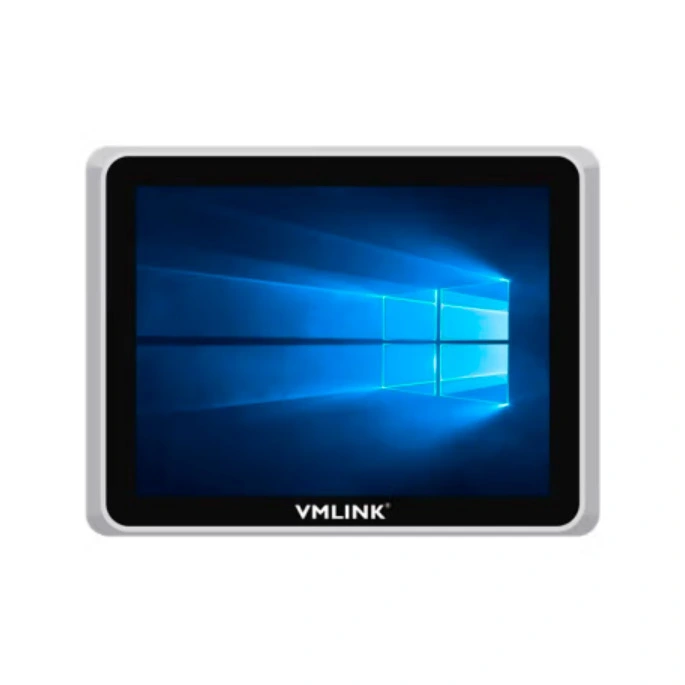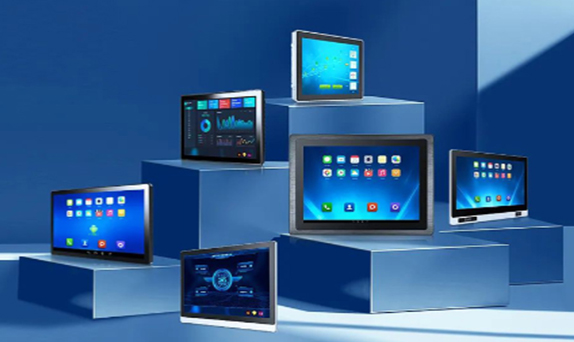
Buying a tablet for a hospital, clinic or healthcare project is different from buying a standard office tablet. The device may move from room to room, be touched by many users during a shift, require frequent cleaning, stay connected to hospital systems, and sometimes operate for hours away from a charging point.
That means processor speed should not be the first question. For most healthcare deployments, the more useful starting points are cleanability, enclosure protection, battery strategy, mounting, wireless connectivity, I/O, security controls and compatibility with the software already used by the facility.
One of the biggest mistakes in healthcare procurement is treating “medical grade” as if it means the same thing for every project. A tablet used by a nurse to review an EHR has different requirements from a computer integrated into a medical electrical system or a device used beside diagnostic equipment.
The correct requirements depend on how the tablet is used, where it is installed and whether it becomes part of a regulated medical electrical system. For medical electrical equipment, standards such as IEC 60601-1 address basic safety and essential performance, but that does not mean every tablet used inside a hospital automatically needs to be certified as medical electrical equipment.
Procurement rule: first define whether the tablet is a general healthcare IT endpoint, a bedside/mobile workstation, or part of a medical electrical system. Then determine which technical and regulatory requirements actually apply.
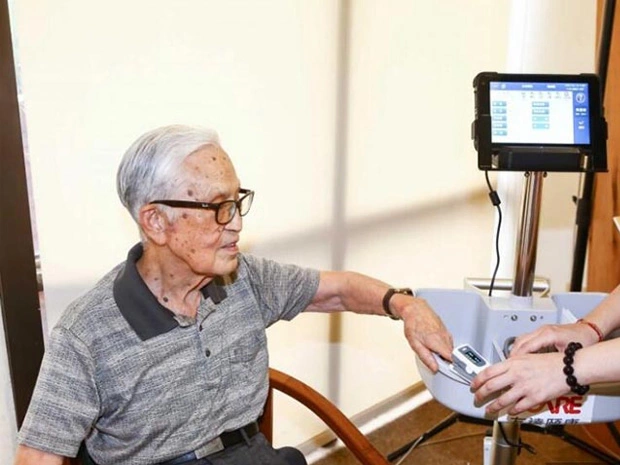
In a hospital, the device may be touched by multiple clinicians, moved between patient areas and cleaned repeatedly throughout the day. For that reason, cleanability can matter more than whether the processor is one generation newer.
The U.S. Centers for Disease Control and Prevention recommends following the equipment manufacturer's cleaning and maintenance instructions and using disinfectants according to their directions. It also notes that frequently touched equipment and surfaces need appropriate routine cleaning and disinfection. CDC environmental infection-control recommendations provide useful background for healthcare facilities.
For tablet procurement, this means asking a very practical question: which disinfectants can be used on the touchscreen, enclosure, buttons and ports without damaging coatings, seals or labels?
| Check | Why It Matters | What to Ask the Supplier |
|---|---|---|
| Enclosure Material | Some chemicals can discolor or degrade plastics and coatings | Which cleaning agents have been evaluated? |
| Touchscreen Surface | Frequent wiping can affect coatings over time | Are there restrictions on alcohol, chlorine or other disinfectants? |
| Ports & Covers | Open connectors can trap contamination or be exposed to liquid | Are ports sealed or protected when not in use? |
| Cleaning Procedure | Incorrect cleaning may reduce device life | Is a written cleaning and maintenance procedure available? |
An IP rating describes protection of the enclosure against solid particles and water. It is useful in healthcare because accidental spills, dust and routine wiping are realistic operating conditions.
However, an IP65 rating does not automatically mean that every disinfectant is safe to use on the enclosure. Water-ingress protection and chemical compatibility are two separate questions.
A healthcare buyer should therefore check both the IP rating and the manufacturer's recommended cleaning chemicals before deployment.
A tablet used on a fixed charging cart has different battery requirements from a tablet carried through wards for an entire shift. Instead of asking only “How many hours does the battery last?”, healthcare IT teams should look at how the device is charged, swapped and returned to service.
If the tablet spends most of the day on a powered cart or dock, continuous charging and stable docking may matter more than maximum standalone runtime.
A removable battery can reduce downtime because depleted batteries can be replaced rather than waiting for the entire device to recharge.
Hot-swappable or dual-battery designs are useful when the tablet must remain running while batteries are exchanged.
Healthcare tablets rarely spend their whole life in one place. The same device may move between a nurse station, bedside cart, wall dock and mobile trolley. Procurement should therefore include the mounting ecosystem from the beginning.
A modern healthcare tablet may rely heavily on Wi-Fi, but many real deployments still need physical connections to scanners, printers, carts, diagnostics equipment or wired hospital networks.
| Interface | Possible Healthcare Use | Procurement Question |
|---|---|---|
| USB | Barcode scanner, printer, peripheral or service device | How many Type-A / Type-C ports are required? |
| RJ45 Ethernet | Reliable wired connectivity through a dock or fixed station | Does the application require wired networking? |
| RS232 | Legacy equipment or specialized peripheral communication | Does existing equipment still use serial communication? |
| Barcode / QR | Patient, medication, specimen or asset identification workflows | Should scanning be integrated into the tablet or external? |
| NFC | Identification, access or workflow automation depending on the hospital system | Is NFC required by existing software or cards? |
Hospitals can contain dense wireless networks, large numbers of roaming devices and many physical barriers. A healthcare tablet may move continuously between access points during ward rounds.
For that reason, stable roaming behavior and compatibility with the hospital's wireless infrastructure are often more important than a headline maximum Wi-Fi speed.
Before a large rollout, test the tablet with the actual hospital Wi-Fi design, authentication method, clinical applications and roaming pattern rather than evaluating connectivity only in an office.
This distinction is important. HIPAA does not certify a particular tablet model as compliant. The U.S. Department of Health and Human Services explains that covered entities and business associates must implement appropriate administrative, physical and technical safeguards to protect electronic protected health information.
In other words, device features such as TPM, encryption support, secure boot, user authentication and biometric login can support a healthcare security program, but the actual compliance outcome depends on how the organization configures, manages and uses the device. See the HHS HIPAA Security Rule overview for the regulatory framework.
device encryption, account management, endpoint management, remote wipe, authentication, patching, Wi-Fi security, application access, logging and procedures for lost or stolen devices.
Not every healthcare tablet needs a high-end processor. A device mainly used for EHR access, forms, barcode workflows or browser-based applications may have very different computing requirements from a device used for image review, telehealth, multiple simultaneous applications or data-intensive software.
EHR access, forms, web applications, messaging, barcode scanning and routine patient documentation.
Multitasking, telehealth, larger datasets, higher-resolution displays or applications with greater processor and memory demand.
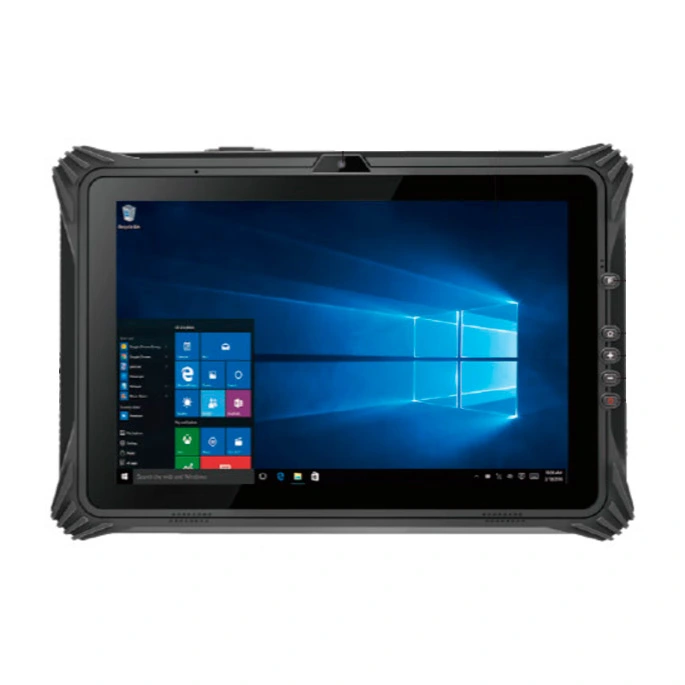
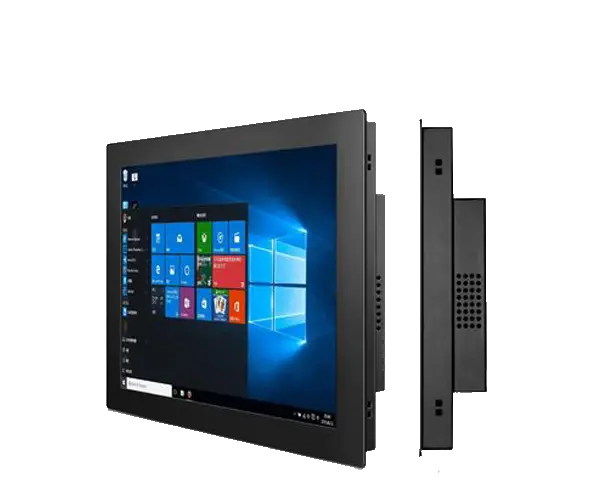
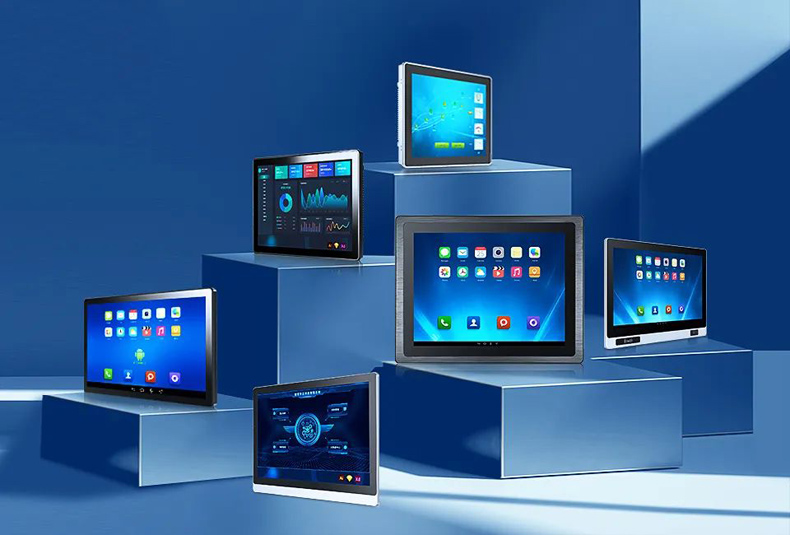
The VMLINK VPM-1221 is a 12.2-inch Windows rugged tablet with an IP65 enclosure, Wi-Fi 5, removable large battery and optional modules including RJ45 Ethernet, RS232, USB or QR code scanning.
Those features can be useful when a healthcare project needs a mobile Windows endpoint, docking, wired communication or scanning. However, whether the platform is appropriate for a particular healthcare deployment still depends on cleaning compatibility, software validation, security policy and any regulatory requirements that apply to the final system.
View VPM-1221 Specifications →Clinicians can access records, enter observations and review patient information without returning to a fixed workstation.
Lightweight mobile devices reduce the need to move a full workstation between rooms.
Integrated or attached scanning can support identification and inventory workflows when properly integrated with hospital software.
Camera, microphone, Wi-Fi and mobile connectivity can support remote consultations when paired with appropriate clinical software.
A docked tablet can function as the computing interface on a cart while remaining removable for handheld work.
Mobile connectivity and battery flexibility can support staff working outside a fixed hospital network.
| Requirement | Questions to Answer |
|---|---|
| Cleaning | Which disinfectants will be used and how often? |
| IP Protection | What level of dust, splash or spill exposure is expected? |
| Software | EHR, telehealth, imaging, browser, scanner or other application? |
| Battery | Fixed power, removable battery or hot-swap requirement? |
| Mounting | Cart, dock, wall, arm, vehicle or handheld? |
| I/O | USB, RJ45, RS232, HDMI, barcode, NFC? |
| Wireless | Which Wi-Fi standard, roaming requirements or cellular network is needed? |
| Security | Encryption, authentication, MDM, secure boot, remote wipe and patching? |
| Regulatory Scope | Is this general healthcare IT or part of a medical electrical system? |
VMLINK provides rugged tablets and industrial computing platforms for healthcare-related projects where durability, connectivity and configurable hardware are required.
Explore the VMLINK Medical Industry computing solution or compare our rugged tablet PC range when evaluating a mobile healthcare computing platform.
Share your healthcare workflow, software platform, cleaning requirements, preferred screen size, battery strategy, I/O, wireless network and mounting method. VMLINK can help identify a rugged tablet configuration that better matches the project.
Discuss Your Healthcare Tablet Project →The term usually describes a tablet selected or designed for healthcare workflows, but it is not one universal specification. Requirements can include cleanable surfaces, suitable IP protection, mobile mounting, battery flexibility, hospital network compatibility and security features. Additional safety or regulatory requirements may apply if the device becomes part of a medical electrical system.
Not every healthcare application requires the same IP rating. IP65 can be useful where protection against dust and water jets is appropriate, but the required protection should be based on the actual environment. Chemical compatibility with disinfectants should be checked separately because an IP rating does not prove resistance to every cleaning product.
HIPAA does not certify a tablet model as compliant. Device encryption, authentication and security features can support a compliant deployment, but healthcare organizations still need appropriate administrative, physical and technical safeguards, configuration and operating procedures.
It can be suitable for many healthcare IT workflows if it meets the facility's requirements for cleaning, security, software, networking, battery use and mounting. A rugged industrial tablet should not automatically be assumed to meet every medical electrical or regulatory requirement.
Removable batteries reduce device downtime during long shifts. Instead of taking the tablet out of service while it charges, staff can replace a depleted battery with a charged one if the tablet design supports battery swapping.
It depends on the workflow. Integrated barcode or QR scanning can be useful where staff need to identify assets, inventory, specimens or other coded items. The scanner should be selected according to the software and barcode types used by the organization.
IEC 60601-1 addresses basic safety and essential performance of medical electrical equipment. Whether it applies depends on the role of the tablet in the final system and the applicable regulatory requirements. Healthcare buyers should determine this with their compliance, engineering or regulatory team rather than assuming every hospital computer falls into the same category.
Provide the intended healthcare workflow, operating system and software, cleaning procedure, required screen size, I/O, Wi-Fi or cellular requirements, battery strategy, mounting method, security requirements and whether the device will be integrated with any regulated medical equipment.
Thank you for your attention on Vmlink Industrial PC!
Please fill the form to let us know your need. We will get in touch with you ASAP.
 English
 한국어
한국어 français
 Deutsch
 Español
 italiano
 русский
 português
 العربية
 Ελλάδα
 Nederland