In harsh industrial environments, where dust, extreme temperatures, and vibrations are commonplace, effective temperature management is critical for the longevity and performance of rackmount PCs. Overheating can lead to component failures, reduced efficiency, and costly downtime. This article delves into the challenges of thermal regulation in rugged rackmount systems and outlines best practices to ensure reliable operation. Drawing from industry standards and real-world applications, we'll explore solutions that align with durability requirements, such as those in manufacturing or military settings. For a broader overview, refer to our Ultimate Guide to Industrial Rackmount PCs: Features, Applications, and Selection Tips.
Industrial rack PCs often operate in conditions far beyond standard office settings. Temperatures can swing from -40°C in cold storage facilities to over 70°C in factories near machinery. Dust and humidity exacerbate heat buildup, while confined rack spaces limit airflow. Key issues include:
· Thermal Throttling: Processors reduce speed to avoid damage, impacting real-time tasks in automation.
· Component Degradation: Heat accelerates wear on capacitors, hard drives, and solder joints, reducing MTBF (Mean Time Between Failures).
· Dust Accumulation: In dusty environments, fans clog, leading to inefficient cooling and potential failures.
These challenges are particularly acute in rugged applications, like those queried in searches for "rugged rackmount computer" (with 20 impressions in recent data), where systems must endure without compromise. For more on overall durability, see our article on Durability and Reliability in Harsh Environments for Industrial Rack PCs.
Implementing robust thermal strategies can mitigate these risks. Here are proven best practices:
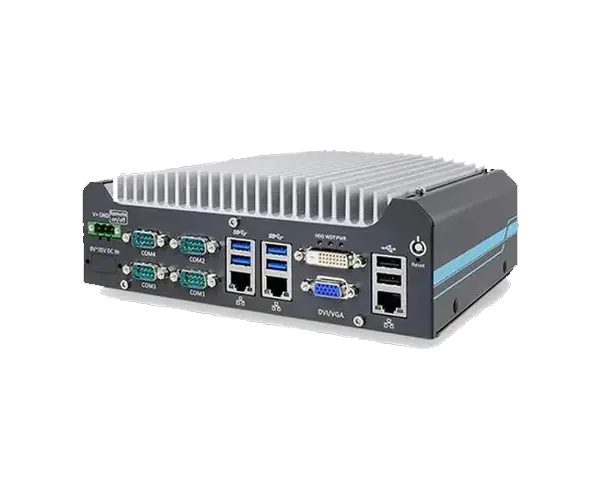
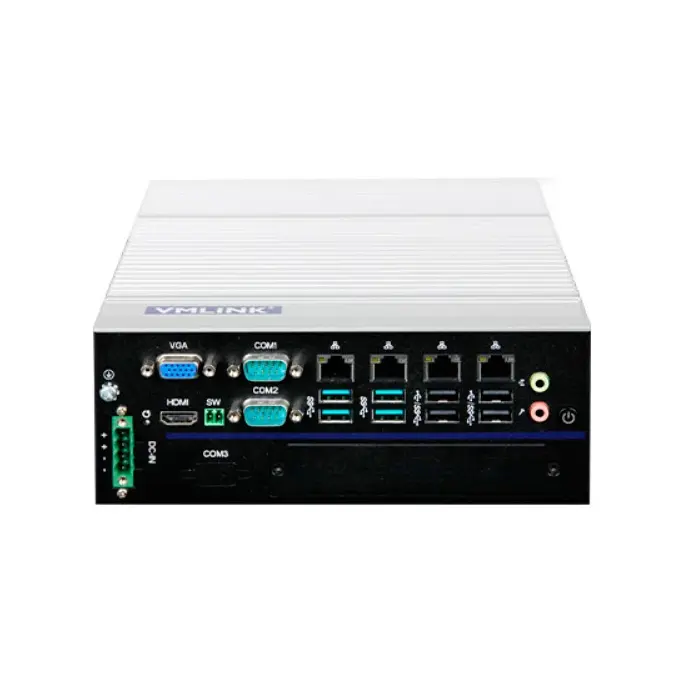
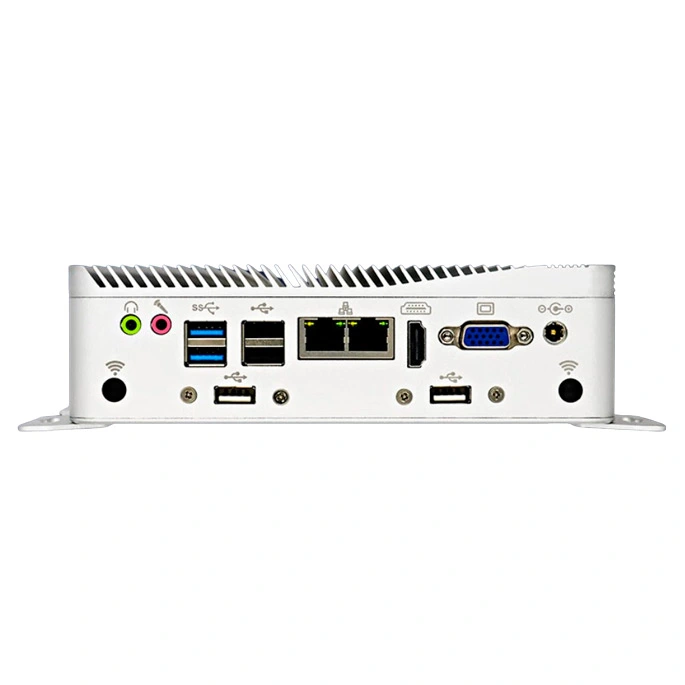
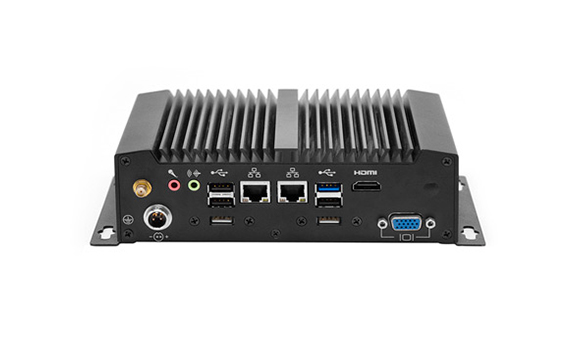
Fanless rack PCs use passive cooling via heat sinks, heat pipes, and chassis conduction to dissipate heat without moving parts. This eliminates dust ingress and vibration issues, ideal for harsh environments. Benefits include silent operation and higher reliability (MTBF up to 100,000 hours).
_Cool_-_An_Introduction_to_Fanless_PC_Cooling.png "Keeping Your (PC) Cool - An Introduction to Fanless PC Cooling")
Consider models with extended temperature ranges, such as our fanless rackmount PCs, which support -20°C to 70°C operations.
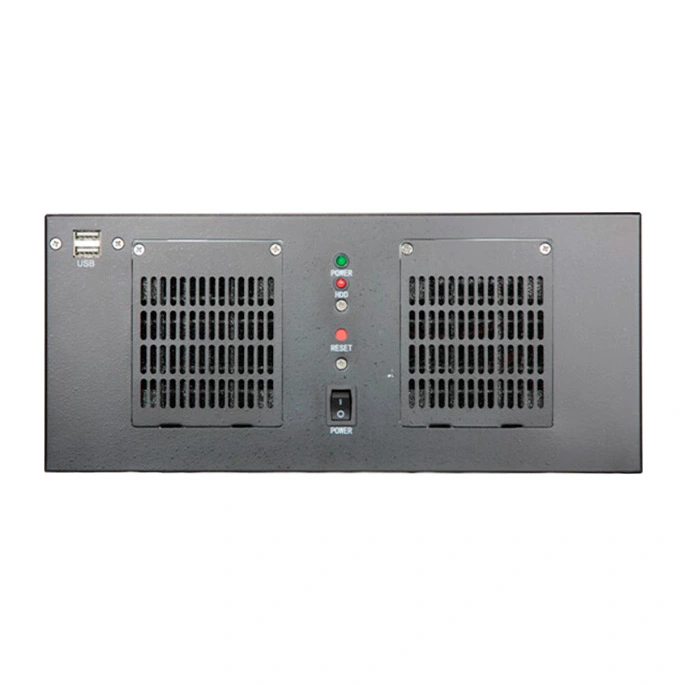
For high-performance needs, use smart fans with variable speeds controlled by temperature sensors. Incorporate redundant fans or hot-swappable units to prevent single-point failures. Airflow optimization, like front-to-back venting, ensures even cooling in dense racks.
In data centers, hybrid systems combine air conditioning with rack-level cooling. Here's a comparison table of cooling methods:
Cooling Type | Pros | Cons | Best For |
Fanless (Passive) | Dust-resistant, silent, low maintenance | Limited for high TDP processors | Dusty factories, embedded systems |
Active Fan | High airflow, cost-effective | Prone to clogging, noisy | Moderate environments with monitoring |
Liquid Cooling | Superior heat transfer, compact | Complex installation, leak risks | High-density racks, extreme heat |
Hybrid | Versatile, redundant | Higher cost | Military or critical infrastructure |
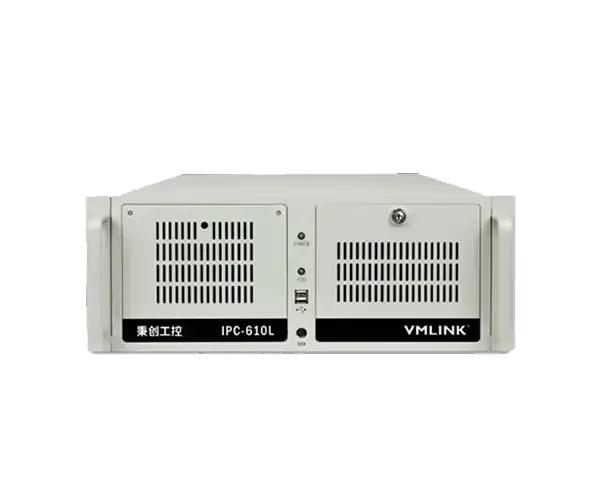
Explore advanced cooling in our IPC-610L series, featuring customizable fan options.
Real-time monitoring is essential. Use embedded sensors (e.g., thermocouples or IR sensors) connected to software for alerts and automatic shutdowns. IoT integration allows remote oversight, preventing overheating before it occurs.
Tools like SNMP protocols or dedicated apps can graph temperature trends, as seen in setups for rack monitoring. For IoT-focused strategies, check our guide on Networking Capabilities for IoT Integration in Industrial Rack PCs.
Choose enclosures with IP-rated seals and thermal insulation. Position racks away from heat sources and ensure proper ventilation. Use thermal interface materials (TIMs) like graphite pads for better heat transfer between components.
In military applications, comply with standards like MIL-STD-810 for thermal shock resistance. Regular maintenance, such as cleaning filters, extends system life—details in Maintenance and Upgradability of Industrial Rack PCs: Long-Term Cost Savings.
Select low-TDP processors (e.g., Intel Atom or Core i3) to reduce heat generation. Efficient power supplies (80+ Gold rated) minimize waste heat. Undervolting CPUs via BIOS can further lower temperatures without sacrificing performance.

In a manufacturing plant exposed to dust and heat, a fanless 4U rack PC reduced failures by 40% compared to fanned models. Similarly, in oil rigs (harsh environments with high humidity), liquid-cooled systems maintained uptime during 60°C+ conditions. These examples highlight how tailored temperature management enhances reliability.
Effective temperature management in industrial rack PCs ensures durability and performance in harsh environments. By adopting fanless designs, monitoring tools, and optimized components, you can avoid common pitfalls and achieve long-term efficiency. For rugged solutions, browse our rackmount PC collection, including the IPC-620 series with advanced thermal features. Return to the Ultimate Guide to Industrial Rackmount PCs for more insights in our series.

Thank you for your attention on Vmlink Industrial PC!
Please fill the form to let us know your need. We will get in touch with you ASAP.
 English
 한국어
한국어 français
 Deutsch
 Español
 italiano
 русский
 português
 العربية
 Ελλάδα
 Nederland