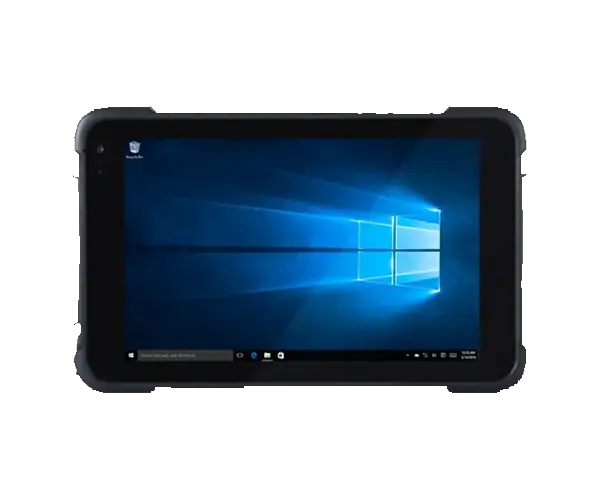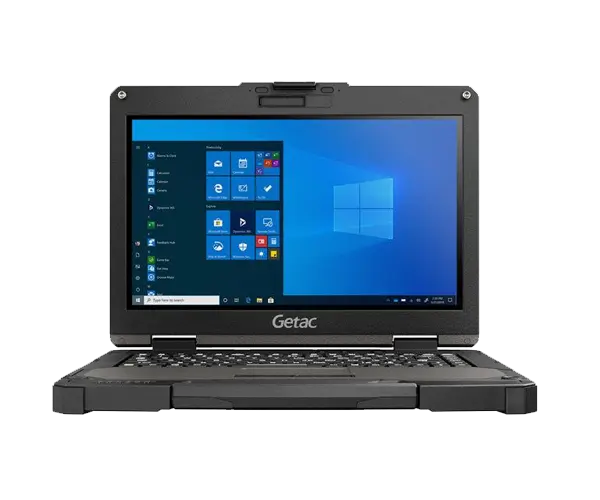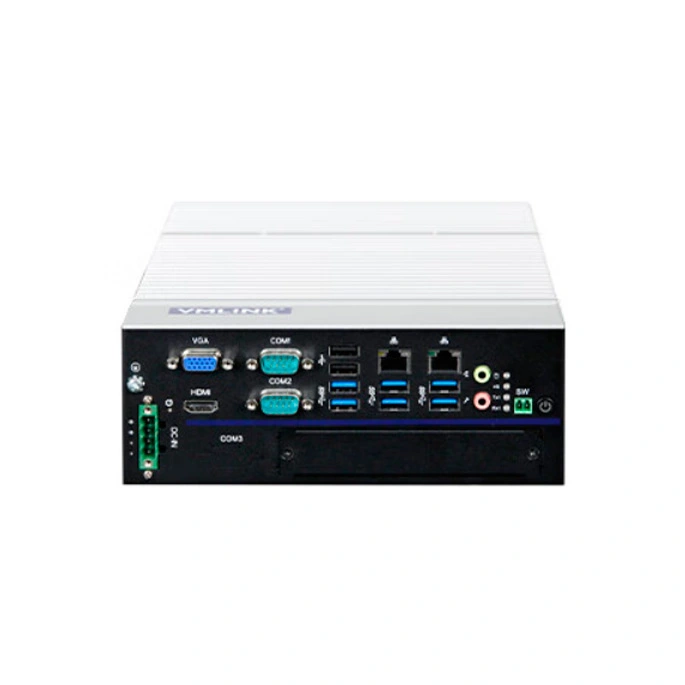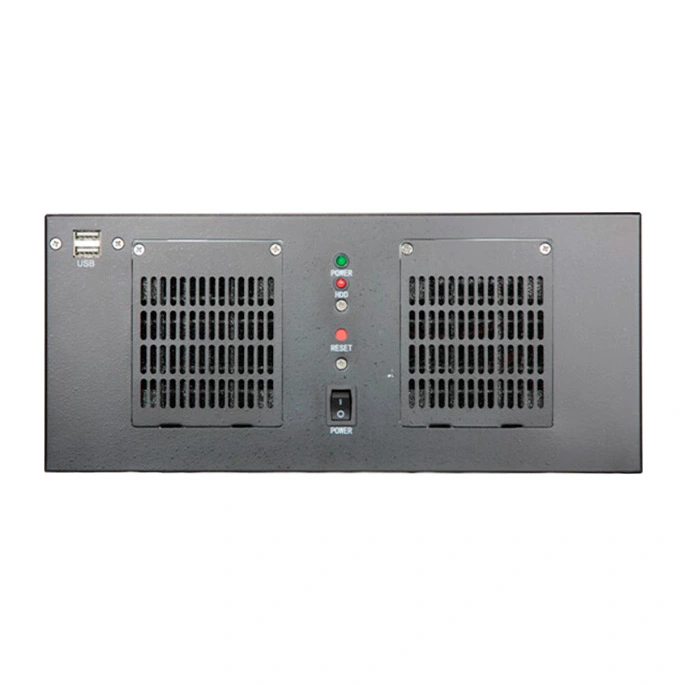
Not all work can be done in the comfort and safety of an office: some work needs to be done consistently in stressful, demanding, or dangerous environments. But it is difficult to find a durable laptop for this work. Drops, water, and even dust can damage these ordinary laptops. Without your IT equipment, however, work comes to a standstill until you replace it.
In the long run, choosing the right rugged tough laptops at the outset will keep you on track with your work. Defense- and public safety-grade rugged tough laptops are ideal for demanding use. But you need to know what to look for.
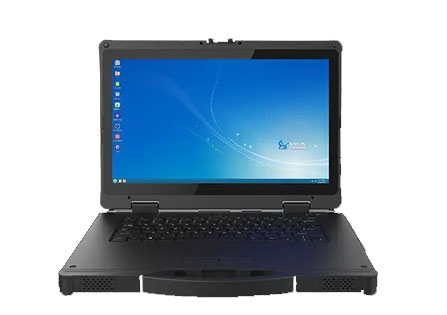
Portability can be a barrier to technology. No one wants to lug a bulky computer around all day. If your job requires increased protection and a large screen, the extra weight is worth it. Field teams like defense and public safety personnel need a laptop that's lightweight, practical, portable, and strong and durable
Screen glare from the sun can hinder work and cause health problems from blurred vision to eyestrain and headaches. The construction, shipping and logistics industries work outdoors in all weathers. That's why anti-glare technology is a must. No squinting means more productivity and fewer eye wrinkles. Readability relies on high resolution and anti-glare. Staring at a low-resolution screen with a low refresh rate all day can lead to eye strain. Therefore, choose a laptop with at least a 1920 x 1080 Full HD screen.
Whether you work in healthcare, logistics, media or any other industry, you want to keep your personal information private. Without proper security, your data is at risk.
Working remotely or in the field requires power and long battery life. There's nothing worse than running out of power in the middle of a field mission and not having an outlet for miles. That's why ruggedized laptops can switch when power is low and stay on the move, even when they're off the grid. If you find a power source, you can charge it while you work.
We hope our guide has provided you with the information you need to choose a ruggedized laptop computer. It's easy to forget how much our devices have been put through their paces. Choosing the most rugged can be a good investment for work because we use them every day. When you want your laptops, tablets, and mobile devices to be able to handle any task you give them, from public safety to transportation to food and sanitation, we provide the tough tech tools so you can get the job done.
Understanding the hierarchy of ruggedization is the first step in protecting your investment. Not all "tough" laptops are created equal. To help you categorize devices for different mission profiles, refer to our Ruggedness Standards Quick Reference below.
| Performance Feature | Fully Rugged | Semi-Rugged | Business Rugged |
| Drop Protection | 6ft (1.8m) drop resistant (Military Grade) | 3ft (0.9m) drop resistant | Minimal (reinforced hinges/frames) |
| Ingress Protection | IP65 / IP66 (Total dust & water jet protection) | IP53 (Protected against spray & spills) | No official IP rating |
| Military Standard | MIL-STD-810H Certified (Full 29+ tests) | Partial MIL-STD compliance | Basic vibration testing only |
| Thermal Range | -29℃ to 63℃ (-20℃ to 145℃) | 0℃ to 50℃ (32°F to 122°F) | Standard office temperatures |
| Best For | Defense, Oil & Gas, Mining, Disaster Response | Logistics, Warehousing, Public Safety | Field Sales, Education, Basic Surveying |
Defining the Standards:
MIL-STD-810H: The latest U.S. Military Standard that tests equipment limits against shock, vibration, humidity, and altitude. Fully rugged laptops must pass the complete battery of these tests to ensure survival in combat or heavy industrial zones.
IP65/IP66 Rating: The first digit (6) indicates total protection against dust. The second digit (5 or 6) means the device can withstand high-pressure water jets—essential for field work in tropical or maritime climates.
For professionals operating in remote locations or during long-range missions, power management is as vital as hardware durability. A standard laptop battery often falls short during 24-hour shifts or in areas without power grid access. This is where triple battery support becomes a mission-critical feature.
Key Advantages for Demanding Environments:
Hot-Swappable Design (Uninterrupted Productivity): Our 15-inch rugged laptops feature a bridge battery system that allows for hot-swapping. You can replace depleted battery packs one by one without shutting down the OS or losing unsaved data. This ensures 100% uptime during critical data collection or communication tasks.
Extended Mission Time (24+ Hours of Operation): By leveraging a triple battery configuration, our devices can achieve an ultra-long endurance of up to 24-30 hours (depending on the workload). This is essential for logistics tracking, military maneuvers, and multi-shift field operations where charging breaks are not an option.
Power Redundancy & Reliability: In extreme cold or desert heat, battery chemistry can be unpredictable. A triple-cell system provides inherent redundancy; if one battery cell encounters a thermal issue or fails, the system automatically draws power from the remaining cells, ensuring your device remains functional in life-critical situations.
Smart Power Management: Integrated software monitors each battery's health and discharge cycle, prioritizing the most efficient power source to prolong the overall lifespan of the battery fleet.
What is the difference between MIL-STD-810G and 810H for laptops?
MIL-STD-810H is the latest and more stringent version of the U.S. Military Standard. Compared to the older 810G, the 810H revision introduces more rigorous testing protocols for shock, vibration, and temperature extremes. It specifically addresses modern field challenges, ensuring that 15-inch rugged laptops can survive harsher mechanical stresses and rapid thermal changes in defense and industrial environments.
Can I use a rugged laptop in direct sunlight for field work?
Yes, provided the device is equipped with a high-brightness display. For optimal outdoor viewability, look for a laptop with an anti-glare, high-nit screen (typically 1000+ nits). This feature, which is standard in VMLINK’s 15-inch rugged series, minimizes reflections and ensures the screen remains perfectly readable even under intense, direct sunlight during logistics or site surveys.
Are rugged laptops worth the investment for industrial use?
Absolutely. While the initial cost is higher, rugged laptops offer a significantly lower Total Cost of Ownership (TCO). By minimizing downtime caused by equipment failure and reducing the need for frequent replacements in tough environments, they provide a reliable, long-term solution for mission-critical tasks where standard laptops would fail.
Thank you for your attention on Vmlink Industrial PC!
Please fill the form to let us know your need. We will get in touch with you ASAP.
 English
 한국어
한국어 français
 Deutsch
 Español
 italiano
 русский
 português
 العربية
 Ελλάδα
 Nederland