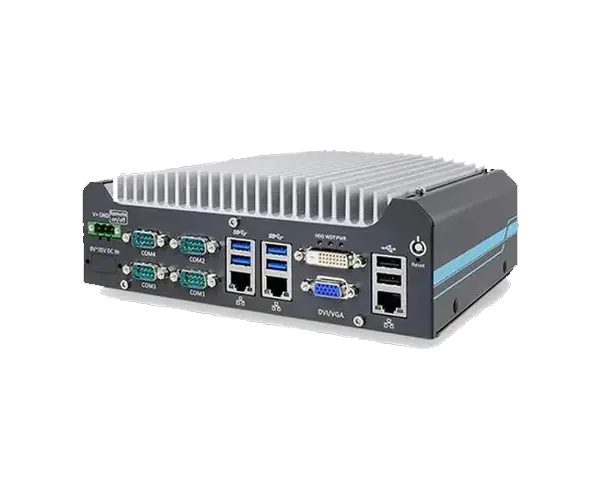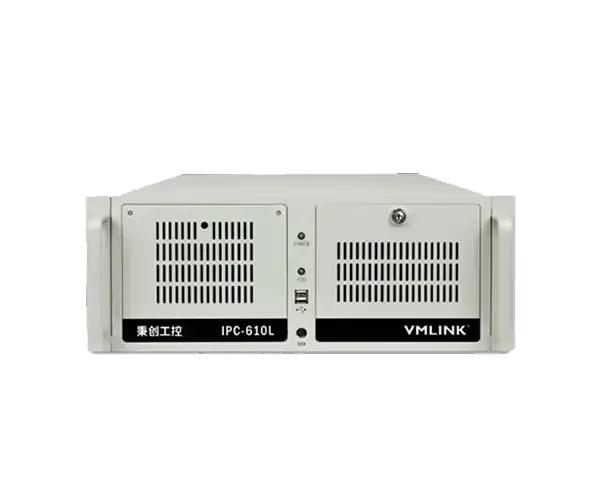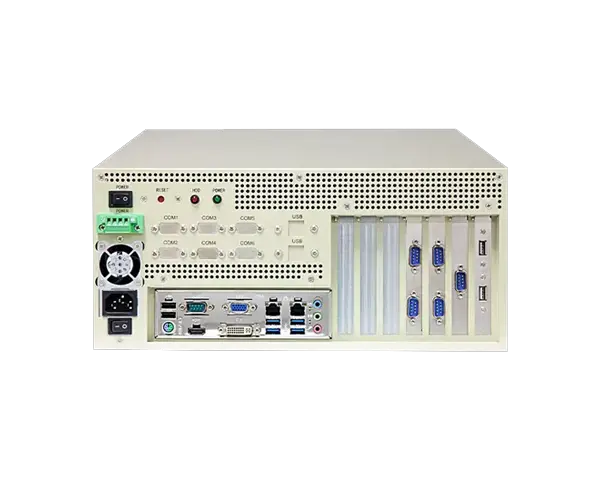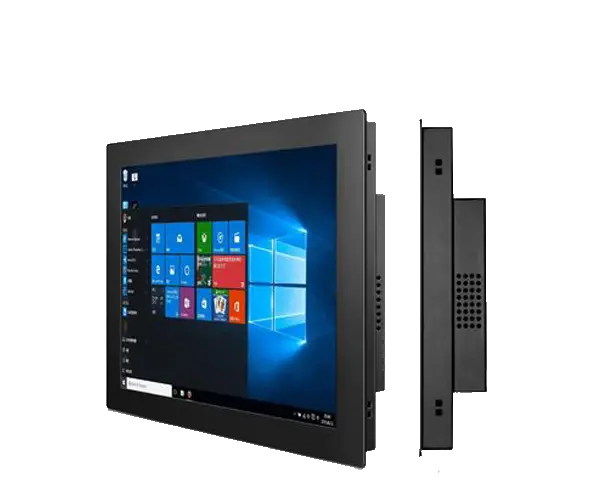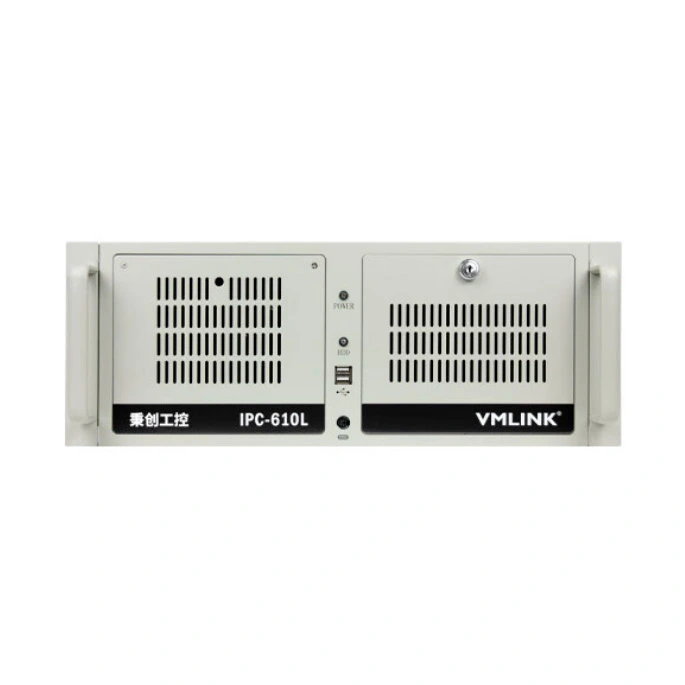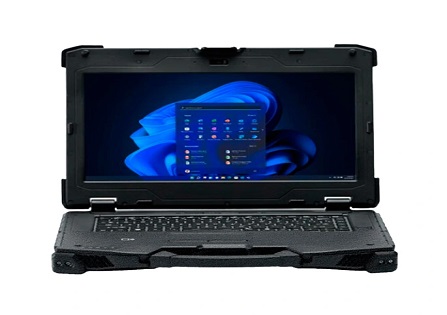
“Industrial PC” is a broad term. Two computers may use similar processors and memory but behave very differently once they are installed on a factory floor. A fanless embedded PC can sit inside a machine cabinet, a rackmount PC can centralize computing in a 19-inch rack, a wall-mounted industrial PC can provide desktop-class expansion close to equipment, and a panel PC can combine computing and operator display in one unit.
The right form factor should therefore be selected before comparing CPU models. Installation space, PCIe expansion, operator interaction, cooling, maintenance access, I/O and the location of the computer often matter more than choosing the fastest processor available.
| Industrial PC Type | Choose It When... | Main Strength |
|---|---|---|
| Fanless Embedded PC | The computer must fit inside equipment or a compact control cabinet | Compact size, fanless cooling, rich industrial I/O |
| Rackmount PC | Multiple systems are centralized in a rack and substantial expansion is required | PCIe, storage, GPU and serviceability |
| Wall-Mounted Industrial PC | You need desktop-class expansion near a machine but do not have a rack | Flexible mounting plus PCI / PCIe expansion |
| Panel PC | The operator needs a touchscreen directly at the machine | Display, touch interface and computer in one device |
It is easy to compare industrial computers by CPU, RAM and storage because those specifications are familiar. In real automation projects, however, a system often fails at the integration stage for much simpler reasons: the chassis is too large, there are not enough COM ports, the graphics card cannot fit, the computer cannot be serviced without stopping the machine, or the operator needs a touchscreen that was never considered in the original design.
A better selection process starts with where the computer will be installed and what must connect to it. Processor performance should come after the physical and system architecture are clear.
An embedded industrial PC is usually the best starting point when the computer will be installed inside an automation machine, inspection station, cabinet or edge-computing system. These systems are generally smaller than conventional industrial desktops and often use aluminum enclosures as part of the thermal design.
Fanless operation is especially useful where dust, maintenance access or acoustic noise make moving fans undesirable. However, fanless does not mean unlimited performance. High-power CPUs and GPUs generate more heat, so thermal design and the real ambient temperature still need to be checked carefully.
The EPC-6004 shows why embedded computers are useful in automation. Its compact aluminum chassis combines dual Gigabit Ethernet, six COM ports, HDMI and VGA, USB, GPIO, Mini-PCIe expansion and support for cellular or wireless modules. Its published operating range is -20°C to 60°C, making it a much more application-specific platform than a normal office mini PC.
View EPC-6004 →A rackmount industrial PC makes sense when computing hardware is centralized in a server room, control room or industrial rack. Instead of placing one computer next to every machine, multiple systems can be installed in an organized rack environment with predictable mounting and service access.
The biggest advantage is not simply rack installation. Larger rackmount chassis can provide significantly more room for PCIe cards, storage devices, powerful CPUs, GPUs and high-capacity power supplies.
| Rackmount Requirement | Why It Matters |
|---|---|
| Multiple PCIe Cards | Useful for machine vision, DAQ, networking, motion control and specialist communication hardware |
| Large Storage Capacity | Relevant for surveillance, image storage, logging and industrial databases |
| High-Power CPU / GPU | Larger chassis provides more room for cooling and power delivery |
| Centralized Maintenance | IT or engineering staff can service multiple computers in one location |
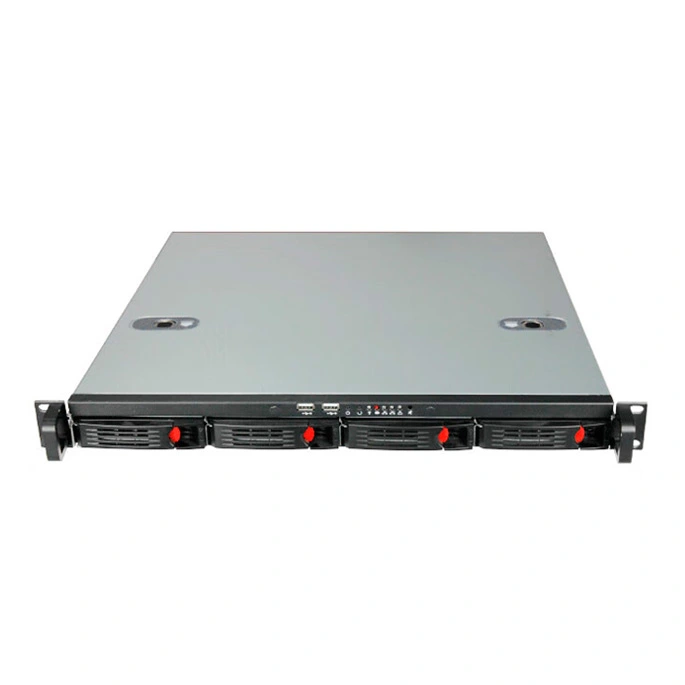
A current VMLINK 4U IPC-620 configuration illustrates how far a rackmount platform can expand. Depending on motherboard selection, it can support multiple PCIe slots, multiple SATA drives, M.2 devices, several Ethernet interfaces and large memory configurations. That architecture is far better suited to multi-card industrial systems than a compact embedded PC.
View IPC-620 Rackmount PC →Wall-mounted industrial PCs are useful when an application needs more expansion than a compact embedded computer but there is no reason to install a full industrial rack.
These systems can be installed close to production equipment, testing stations or control cabinets while still providing standard motherboard expansion slots, full-size storage devices and higher-power processors.
IPC-307-A2701 is a good example of why this form factor exists. The system supports up to 128GB memory, multiple SATA drives, dual Gigabit Ethernet, six COM ports, two PCIe x16 slots, three PCIe x4 slots and two legacy PCI slots. That is far more expansion than a small fanless box PC while still avoiding a rack installation.
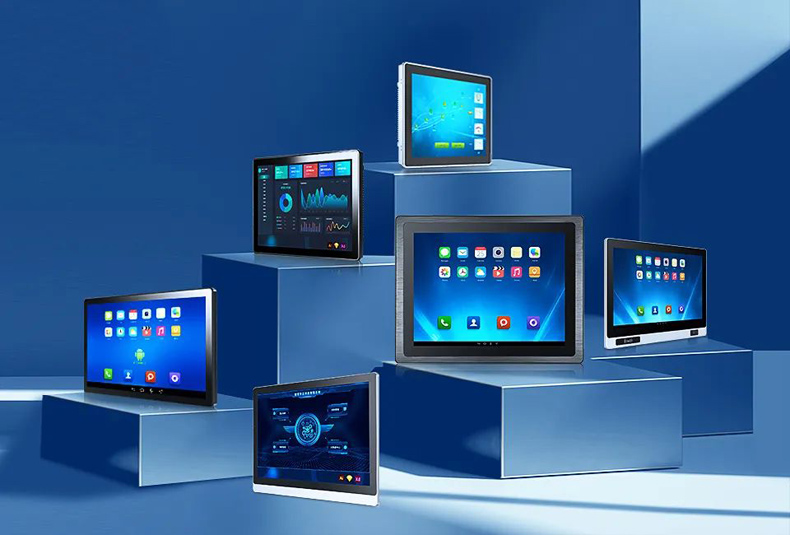
View IPC-307-A2701 →A panel PC combines the computer, display and touch interface into one integrated unit. This changes the design completely: instead of hiding the computer inside a cabinet and adding a separate monitor, the panel PC becomes the operator interface itself.
This is useful for HMI stations, machine controls, kiosks, production lines and equipment where operators need to see status information and enter commands directly at the point of use.
One unit replaces a separate industrial computer, monitor and touchscreen assembly.
Screen size, touch technology and front-panel installation become just as important as CPU performance.
Compared with rackmount or wall-mounted systems, integrated panel computers generally have less room for full-size PCIe cards.
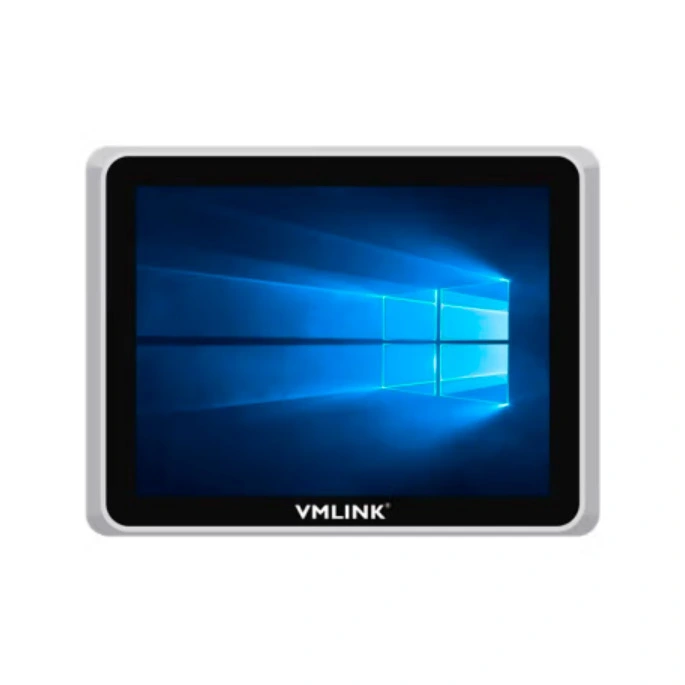
VMLINK's VTP-800 is an 8-inch industrial touch panel PC based on an Intel J1900 platform, using a resistive touchscreen and 9–36V power input. This kind of product is much closer to an integrated machine interface than to a mobile rugged tablet.
This distinction causes confusion because both products have touchscreens. The difference is mobility.
| Factor | Panel PC | Rugged Tablet |
|---|---|---|
| Installation | Fixed into machine, panel, wall or workstation | Portable / handheld / dockable |
| Power | Usually continuous external DC power | Battery-powered with charging or docking |
| Primary Role | Machine HMI / fixed operator interface | Mobile inspection, logistics and field data |
| Mobility | Low | High |
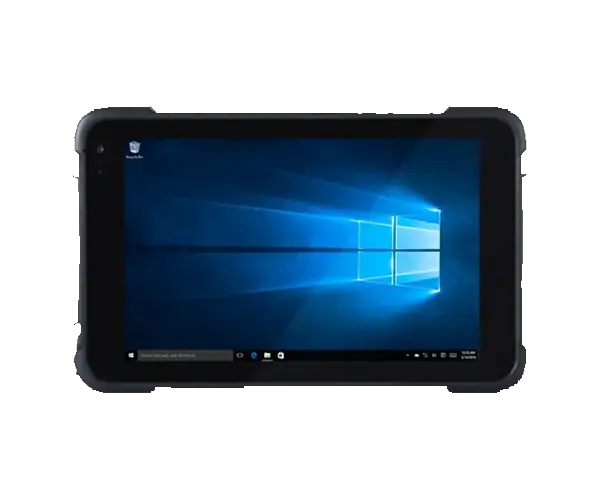
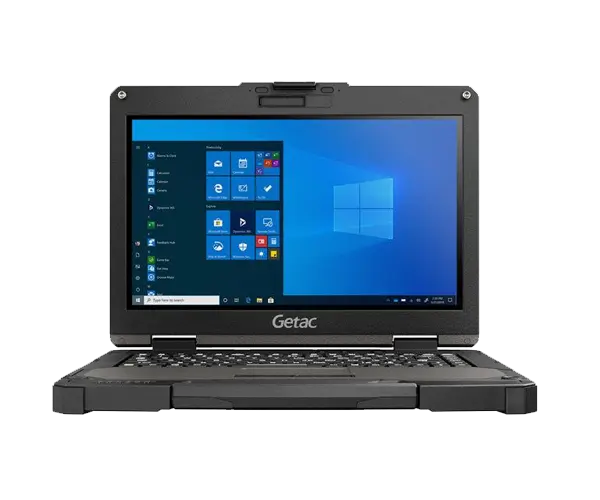
If the operator stays at the machine, start with a panel PC. If the operator moves between assets, shelves, vehicles or field locations, a rugged tablet is usually more appropriate.
| Selection Factor | Embedded | Rackmount | Wall-Mounted | Panel PC |
|---|---|---|---|---|
| Footprint | Small | Rack-dependent | Medium | Integrated into operator panel |
| Fanless Options | Common | Less common for high-power systems | Depends on chassis | Available depending on model |
| PCIe Expansion | Limited | Excellent | Good to excellent | Limited |
| Touchscreen | External display required | External display required | External display required | Integrated |
| Storage Expansion | Low to moderate | High | Moderate to high | Low to moderate |
| Best Location | Inside machine / cabinet | Control room / rack | Near machine / wall / cabinet | Operator station |
Yes → start with a Panel PC. No → continue.
Yes → start with an Embedded Industrial PC. No → continue.
Yes → a Rackmount PC is usually the most logical platform.
Yes → consider a Wall-Mounted Industrial PC.
If yes, a rugged tablet or rugged laptop may be a better product category than any fixed industrial PC.
| Application | Typical Starting Point | Reason |
|---|---|---|
| Machine Control | Embedded PC | Compact, fanless and rich industrial I/O |
| Machine Vision with Multiple Frame Grabbers | Rackmount or Wall-Mounted | Requires PCIe slots and stronger cooling |
| HMI / Operator Terminal | Panel PC | Integrated touchscreen simplifies machine interface |
| Industrial Edge Gateway | Embedded PC | Small footprint and multiple LAN / COM options |
| Central SCADA / Data Server | Rackmount PC | Central installation, storage and serviceability |
| Automated Test Equipment | Wall-Mounted / Rackmount | Multiple PCIe / PCI cards and rich I/O often required |
| Mobile Inspection | Rugged Tablet | The device needs to move with the worker |
The installation and expansion requirements should normally determine the industrial PC type first.
Fanless systems are excellent for many dusty or maintenance-sensitive applications, but high-performance hardware may require more active cooling.
Frame grabbers, DAQ cards and specialist communication boards should be identified early.
A panel PC is fixed. A rugged tablet is usually better if the user needs to move away from the machine.
Consider how SSDs, filters, expansion cards or cables will be serviced after installation.
Operating temperature, shock, vibration, dust and power-input requirements vary significantly by model and installation.
Start with the form factor that fits the installation, then select the processor, memory, storage, networking and expansion configuration.
Expandable industrial computers for installation near equipment.
View Products →Integrated touchscreen computing for machine and HMI applications.
View Products →Send VMLINK your installation space, software workload, required COM/LAN ports, PCIe cards, storage, display requirements, power input and operating environment. We can help narrow the project to an embedded, rackmount, wall-mounted or touch-panel platform.
Send Your Industrial PC Requirements →An embedded industrial PC is usually compact and designed to be integrated directly into equipment or a cabinet, often with fanless cooling and rich industrial I/O. A rackmount PC is designed for rack installation and normally provides much more space for PCIe cards, storage, high-performance processors and centralized maintenance.
Choose a wall-mounted industrial PC when you need more expansion than a compact embedded computer but do not have or need a 19-inch rack. It is especially useful near automation equipment, test systems and machine-vision installations that need PCI or PCIe cards.
A panel PC integrates the display and touchscreen with the computer, allowing it to work as a fixed operator interface. A conventional embedded, rackmount or wall-mounted industrial PC normally requires a separate display and input device.
Neither is automatically better. Fanless embedded PCs are excellent where compact size, low maintenance and industrial I/O are priorities. Rackmount PCs are better where the application requires multiple PCIe cards, large storage capacity, GPUs or centralized service access.
It depends on the number of cameras and expansion cards. A compact embedded industrial PC can work well for simpler vision systems, while applications using multiple frame grabbers, GPUs or other PCIe cards are usually better suited to a rackmount or wall-mounted industrial PC.
A panel PC is normally the simplest choice when the operator needs to view information and enter commands directly at the machine. If the display must be separated from the computer, an embedded industrial PC connected to an external touchscreen may be more flexible.
Rackmount industrial PCs generally provide the greatest expansion capacity because their larger chassis can accommodate multiple PCIe cards, storage devices and higher-capacity power supplies. Some wall-mounted industrial PCs also provide substantial PCI and PCIe expansion when a rack is not available.
Provide the installation method and available space, CPU workload, operating system, required COM and LAN ports, PCIe or PCI cards, storage, display or touchscreen requirements, power input, operating temperature and other environmental conditions. These details usually determine the correct form factor before the final CPU and memory configuration is selected.
Thank you for your attention on Vmlink Industrial PC!
Please fill the form to let us know your need. We will get in touch with you ASAP.
 English
 한국어
한국어 français
 Deutsch
 Español
 italiano
 русский
 português
 العربية
 Ελλάδα
 Nederland